
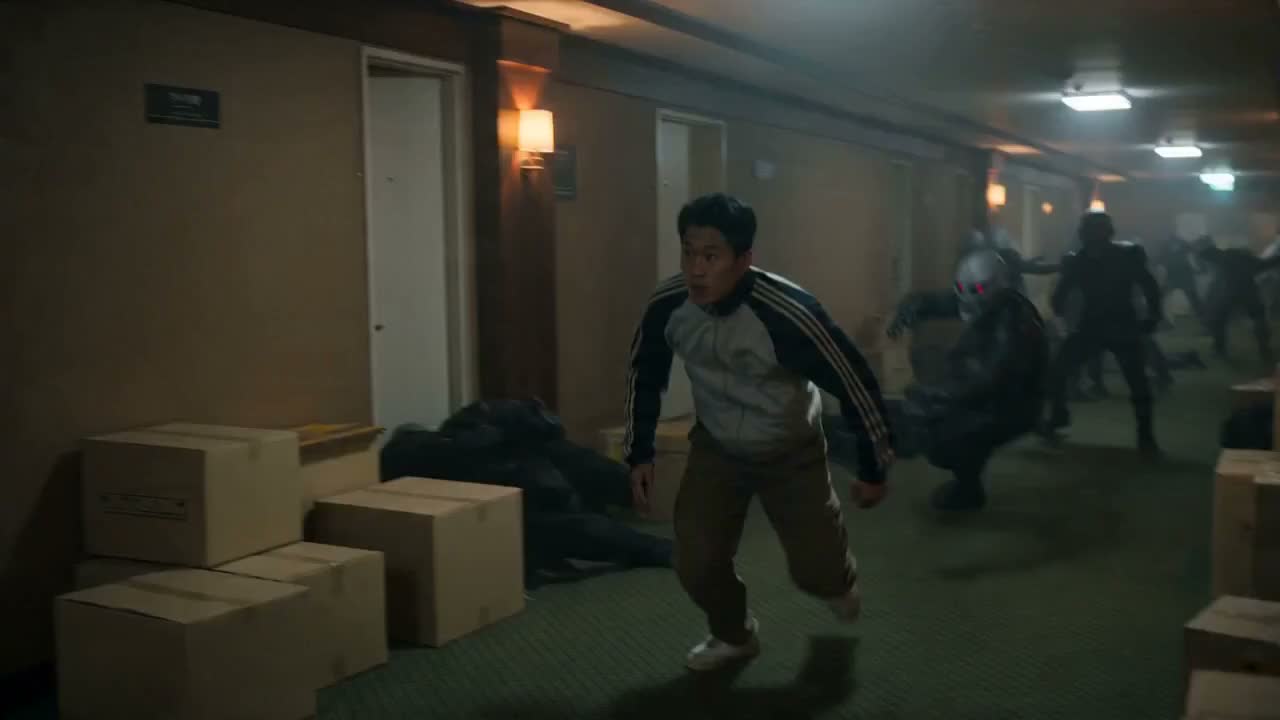
Seedance 2.0 AI Video Generator — Create Your Cinematic Masterpiece
Seedance 2.0 combines text, image, video, and audio references in one browser workflow for coherent short-form video creation.
Create stunning videos from text, images, video or audio references with Seedance 2.0.
Sign in to use batch and repeat generation.
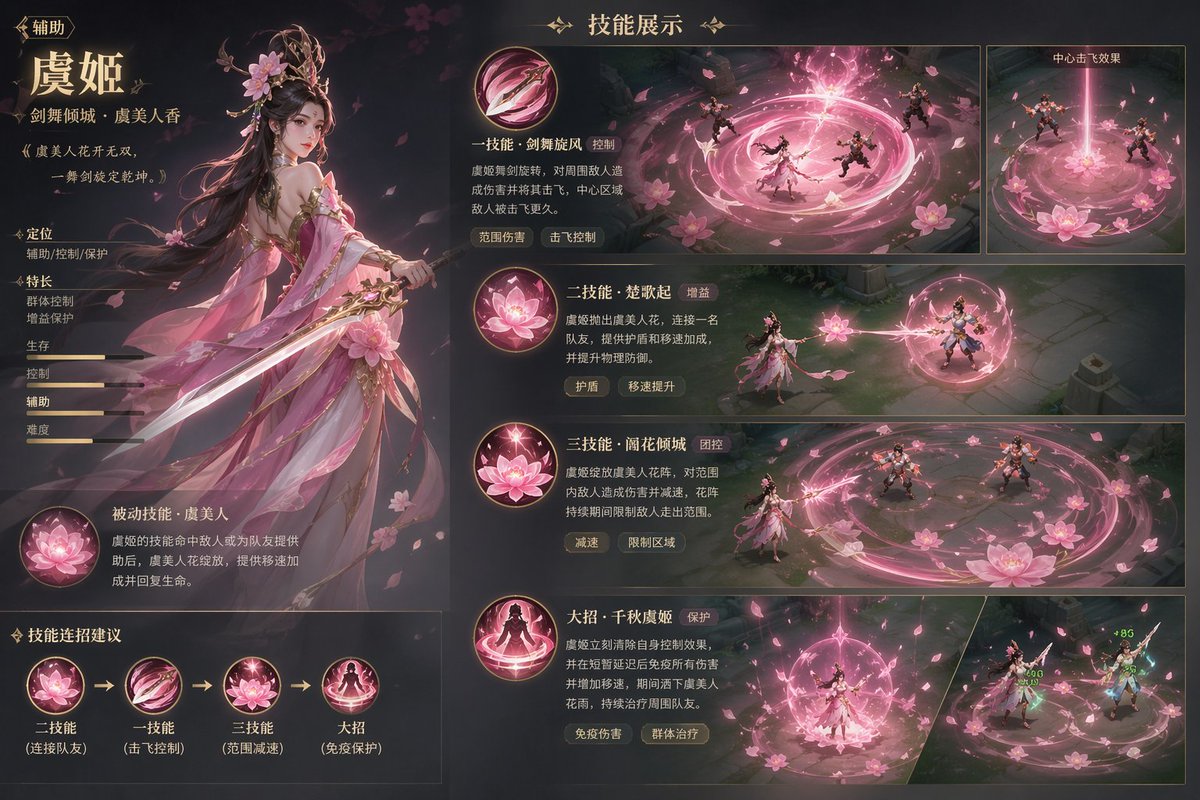
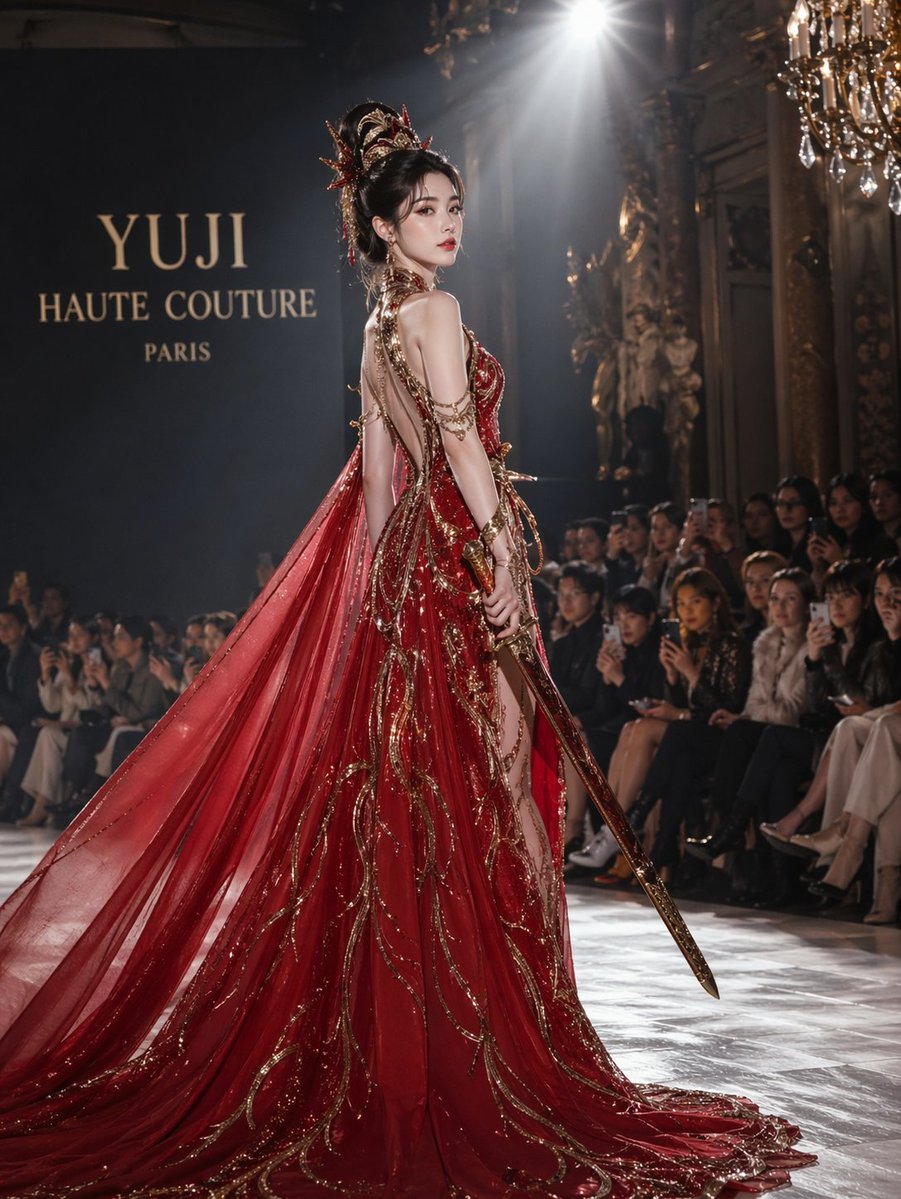
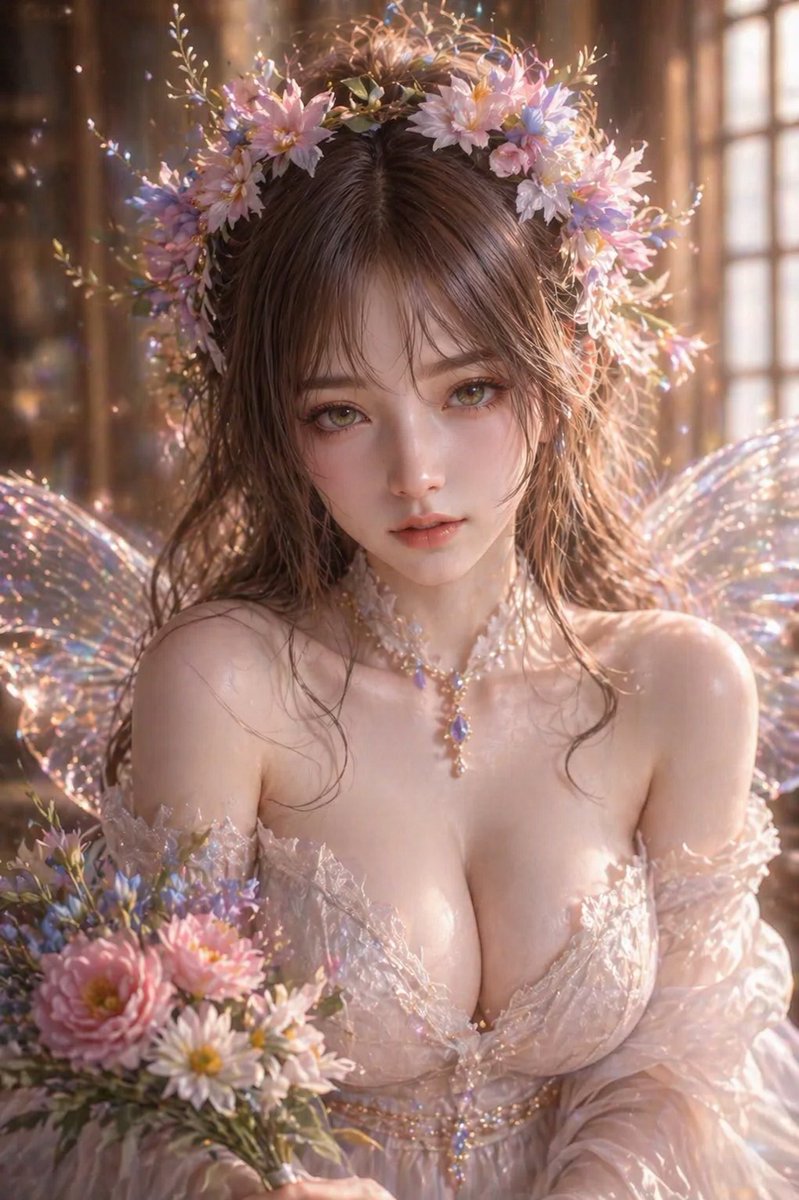

Why Seedance 2.0 Is the Best AI Video Generator in 2026
Native multi-shot storytelling, 2K cinematic output, 8+ language lip-sync, and 30% faster generation—all with full commercial rights.
Native 2K Cinematic Output
Generate stunning 2K cinema-grade videos with professional lighting, depth of field, and dynamic camera control. A major upgrade from 1080p—perfect for YouTube, TikTok, ads, and film pre-visualization.
30% Faster — Under 60 Seconds
Optimized Dual-Branch DiT inference pipeline generates 2K videos in under 60 seconds. 30% faster than Seedance 1.5 Pro and 29% faster than competing models like Kling 2.1.
Multi-Shot Narrative from One Prompt
The industry's only native multi-shot engine. Generate coherent scene sequences with automatic camera transitions, persistent character identity, and logical storytelling flow—no manual editing.
Native Audio-Visual Sync in 8+ Languages
Dual-Branch DiT generates video and audio in a single pass. Phoneme-level lip-sync in English, Mandarin, Korean, Japanese, Spanish, and more—dialogue, ambient sounds, and Foley effects all natively synchronized.
Full Commercial Rights + SOC 2 Security
Every video includes 100% commercial ownership. Enterprise-grade SOC 2 compliant encryption, 99.9% uptime SLA, and end-to-end security for ads, YouTube, client work, and all business uses.
Persistent Character Identity
Characters maintain consistent facial features, clothing, and body type across different camera angles and multi-shot scenes. Perfect for brand mascots, virtual influencers, and serialized content.
Seedance 2.0 AI Video Generator — Frequently Asked Questions
Everything you need to know about creating multi-shot AI videos with native audio sync
What is Seedance 2.0? How do I create AI videos?
Seedance 2.0 combines text, image, video, and audio references in one browser workflow for coherent short-form video creation.
How much does Seedance 2.0 cost? What are the pricing plans?
Sign in to check your available credits and the cost shown before submission. Free use depends on your current balance and any offer available to your account.
What's the difference between text-to-video and image-to-video?
Text-to-video starts from a written scene description. Image-to-video adds a visual reference to guide the subject and composition. Available inputs, duration, resolution, and audio settings depend on the selected model.
How long can AI videos be? What quality do I get?
Duration and resolution depend on the selected model. The 2.0 workflow offers 4–15 second clips; Seedance 2.5 offers 1–30 seconds, with 480p, 720p, or 1080p output in its current controls.
Can I use Seedance 2.0 videos for commercial projects?
Absolutely. Every video includes 100% commercial rights and copyright ownership. Enterprise-grade SOC 2 compliant security, 99.9% uptime SLA, and end-to-end encryption protect your content. Use for advertising, YouTube monetization, e-commerce, client work, social media, and any commercial purpose.
What is your refund policy? Do credits expire?
We offer refunds for unused credits within 3 days of purchase. Credit pack credits never expire. Subscription credits follow the billing cycle and expire if unused. Fair, creator-friendly pricing is our commitment.
How do I get help if I have questions or issues?
Our multilingual support team is available at support@seedance20.co, typically responding within 24 hours. You can also find answers in our FAQ section, video tutorials, and user guides.
Do I need to wait in a queue to generate videos?
Waiting and processing times vary with the model and service load. Read the Seedance 2.0 free and no-queue guide, sign in to check available credits, and follow the task status; immediate completion is not guaranteed.
What's the advantage over the Jimeng APP?
Seedance 2.0 combines text, image, video, and audio references in one browser workflow for coherent short-form video creation. Check available credits, choose a model, and follow your video task.
Ready to Create Multi-Shot AI Videos?
Create stunning videos from text, images, video or audio references with Seedance 2.0.
Ready to Start Creating?
Everything you need to bring your vision to life.
Start creating stunning videos right now. No setup required.
Open GeneratorExplore plans that fit your creative needs and budget.
View PricingDiscover how our platform is changing the way creators work.
Learn More