
Seedream 5.0 Pro for Precise Image Creation
Plan precise storyboards, keyframes, multilingual campaign frames, and controlled visual references for video production.
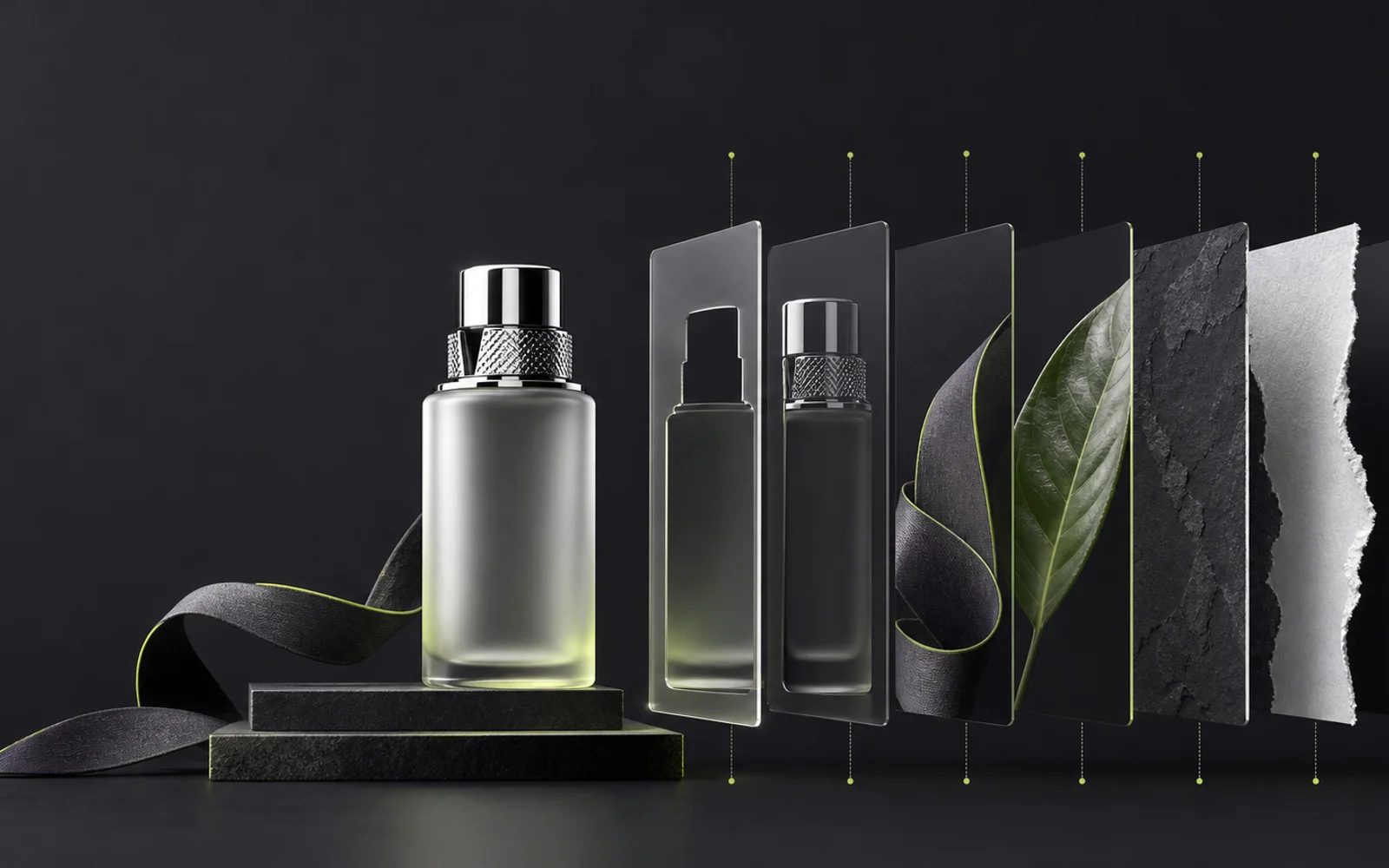
Seedream 5.0 Pro for text-to-image and reference-guided image generation.
Sign in to use batch and repeat generation.



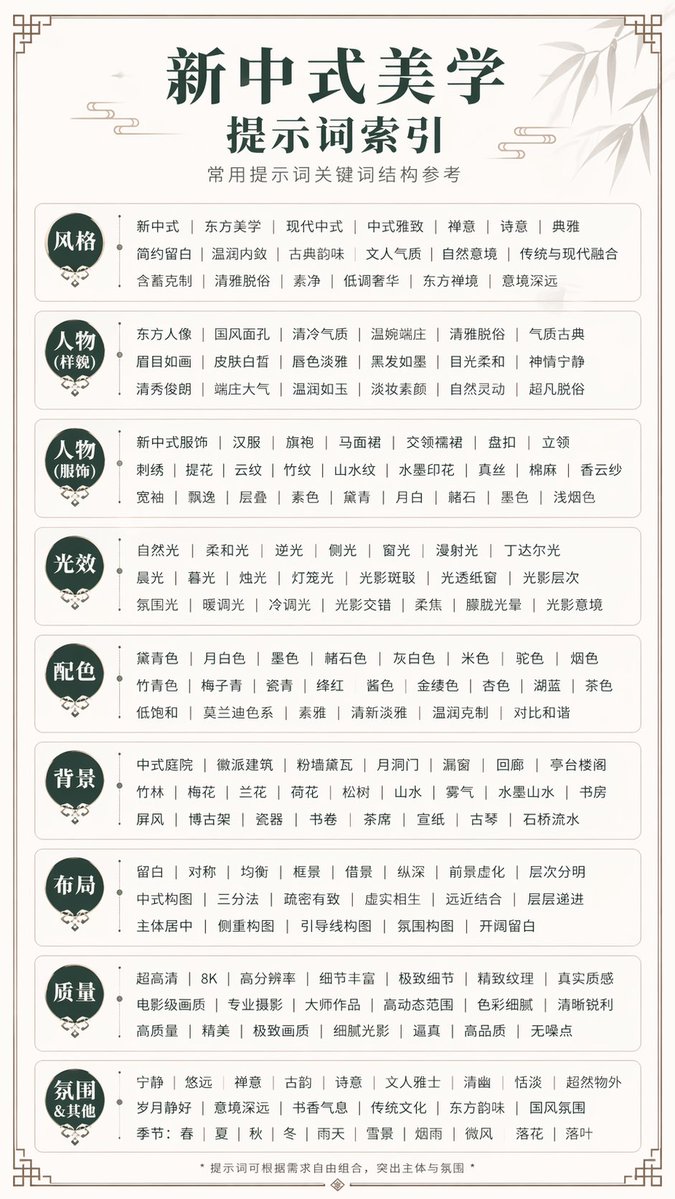
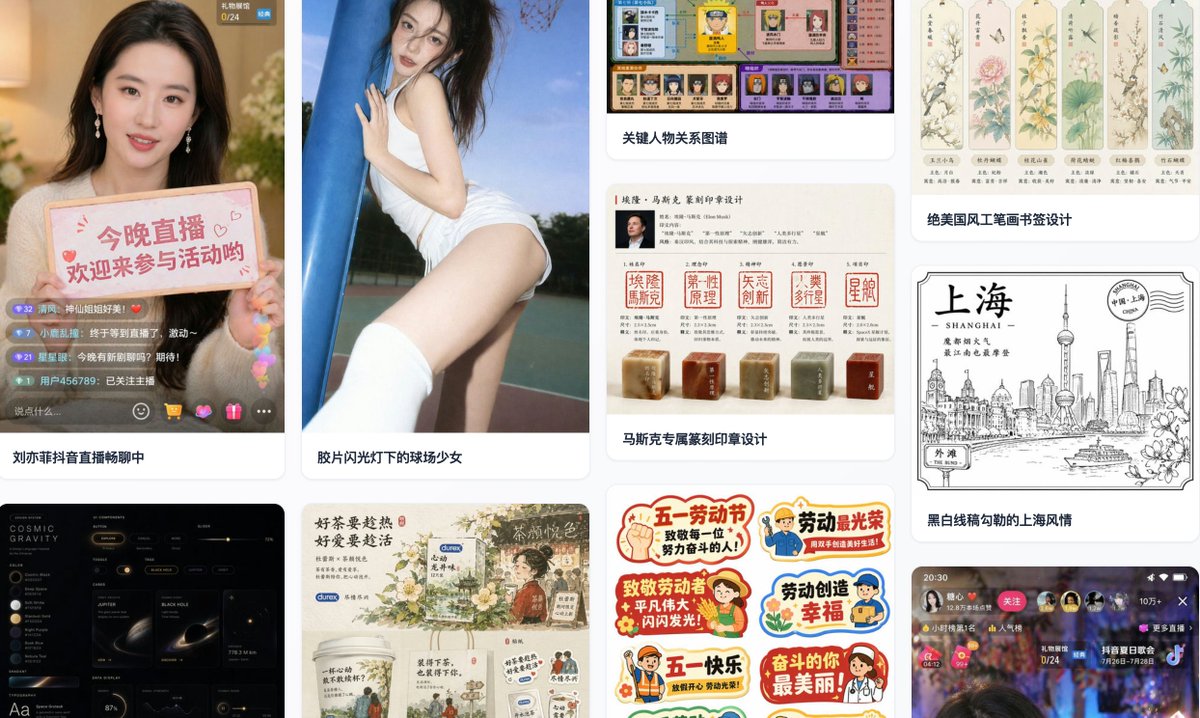
Seedream 5.0 Pro at a glance
- 01
Revise a character, product, prop, or location detail without rebuilding the approved keyframe.
- 02
Separate 2 to 20 PNG layers for shot planning, compositing notes, and motion handoff.
- 03
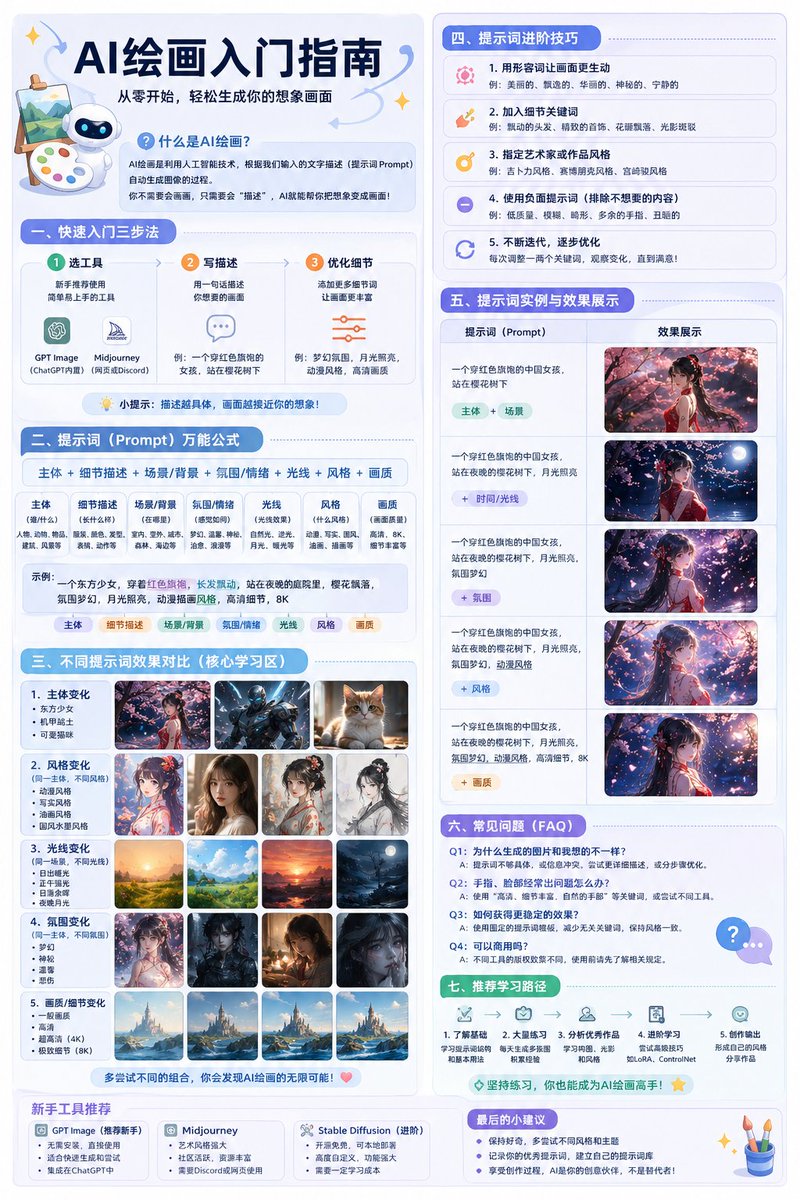
Prepare campaign frames and on-screen graphics with native text across 14 languages.
- 04
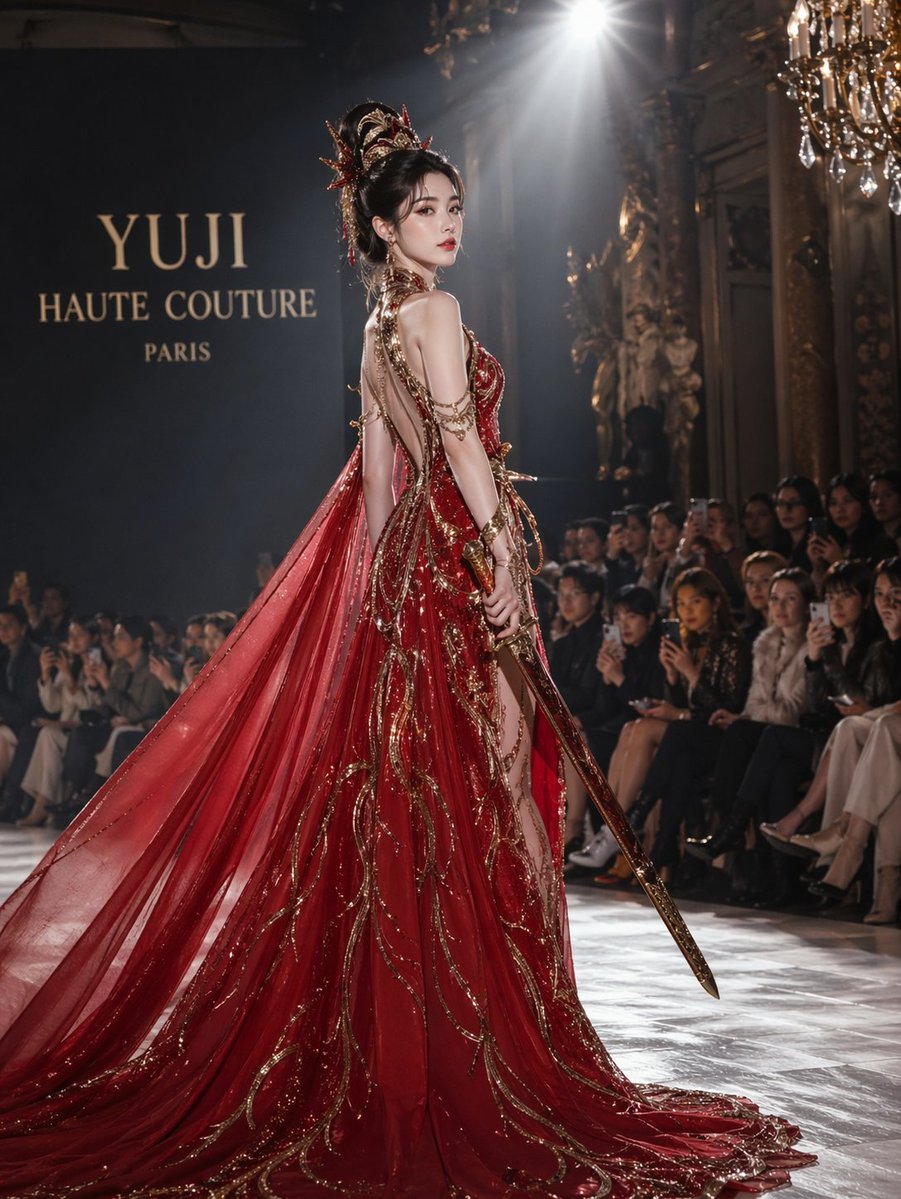
Use visual references and realistic rendering to keep storyboards and keyframes consistent.
What is Seedream 5.0 Pro?
Seedream 5.0 Pro is an AI image model designed for controllable generation and precise editing. It supports reference-guided creation, local changes, complex visual layouts, and production-oriented image workflows.
For video teams, the practical value is dependable visual planning. Edited source images can define characters, products, locations, and layout references before shots move into motion.
Core Seedream 5.0 Pro capabilities
Each capability addresses a practical part of planning, editing, and delivering visual content.
Precise local editing
Correct a face, costume, product, prop, or location detail while preserving the framing and continuity of the approved keyframe.
Layer-separated delivery
Split a planned frame into 2 to 20 PNG elements so foreground, subject, product, and background can be discussed separately.
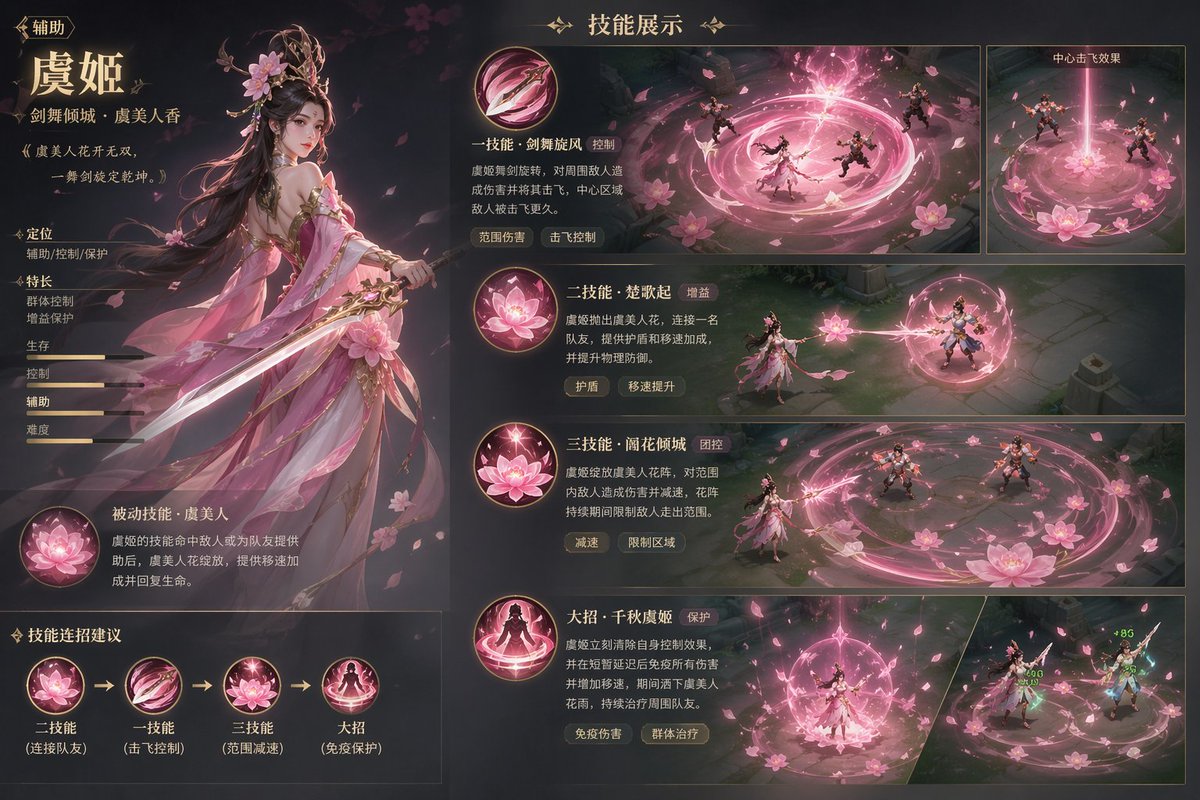
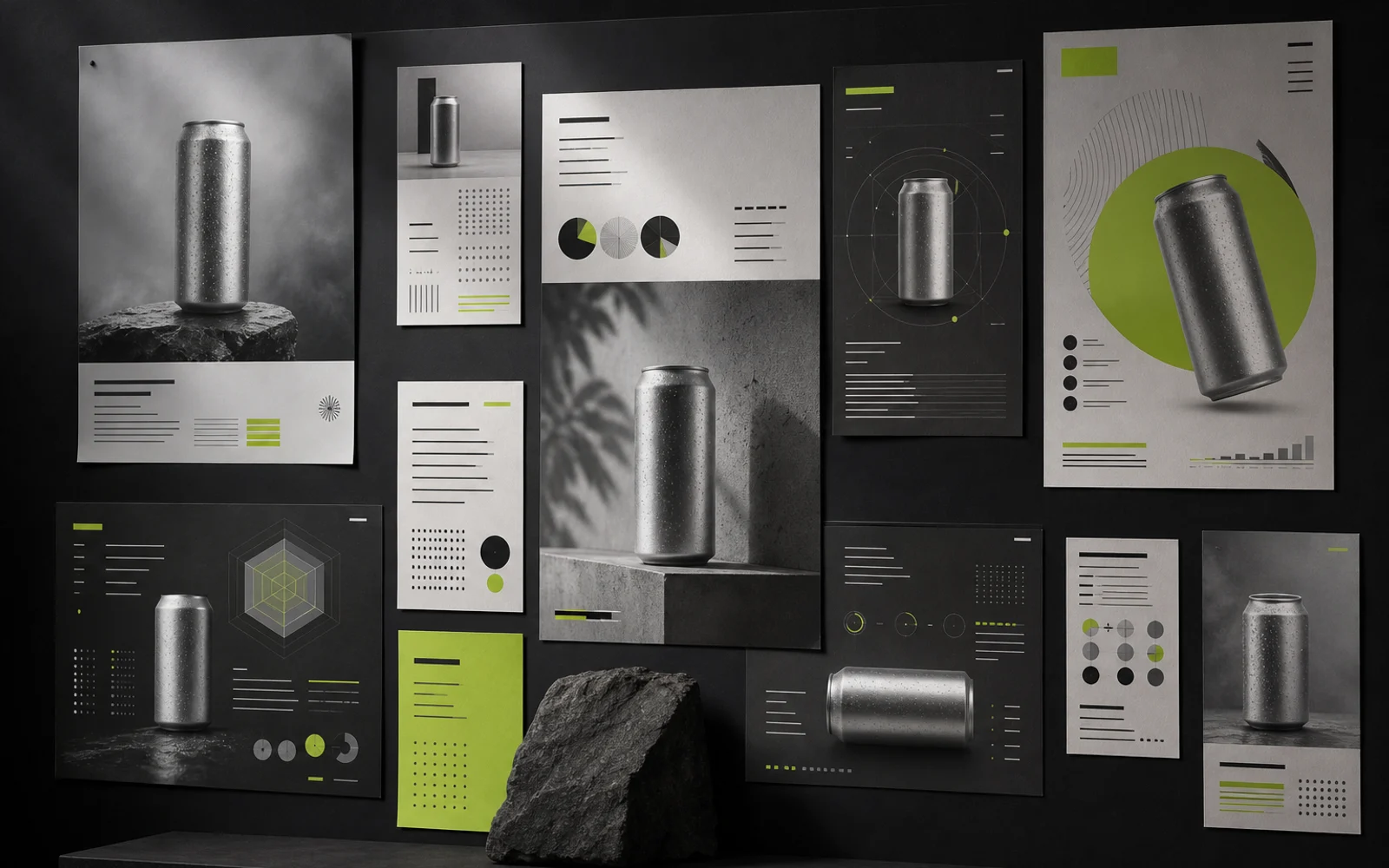
High-density infographics
Combine shot labels, sequence notes, diagrams, and campaign information in frames that production teams can scan quickly.
Native text in 14 languages
Prepare localized title cards and campaign frames with native text across 14 languages before regional video production begins.
Reference-guided realism
Use character, product, location, lighting, and lens references to keep storyboard frames aligned before motion is generated.
Where Seedream 5.0 Pro fits
These use cases focus on preproduction images that clarify story, continuity, and localization before video generation.
Brand campaigns
Lock campaign characters, products, locations, and hero frames before a brand film moves into shot generation.
Ecommerce and product imagery
Plan product angles, materials, backgrounds, and continuity references for ecommerce and launch videos.
Infographics and education
Turn processes, specifications, and lessons into visual sequences that can guide explainers or educational video.
Multilingual creative production
Prepare localized frames, title cards, and layout references while preserving the same story and visual identity.
Seedream 5.0 Pro compared with Lite
The choice depends on whether the workflow prioritizes detailed control or fast, lightweight generation.
| Workflow need | Seedream 5.0 Pro | Seedream 5.0 Lite |
|---|---|---|
| Editing control | Interactive precision editing and localized changes | Simpler prompt-led revisions |
| Layer handoff | Separation into 2 to 20 PNG elements | Single-image delivery for lighter workflows |
| Information density | Complex infographics and structured visual communication | Straightforward visuals and rapid concepts |
| Best workflow fit | Production work that needs control and revision | Fast ideation and simpler image tasks |
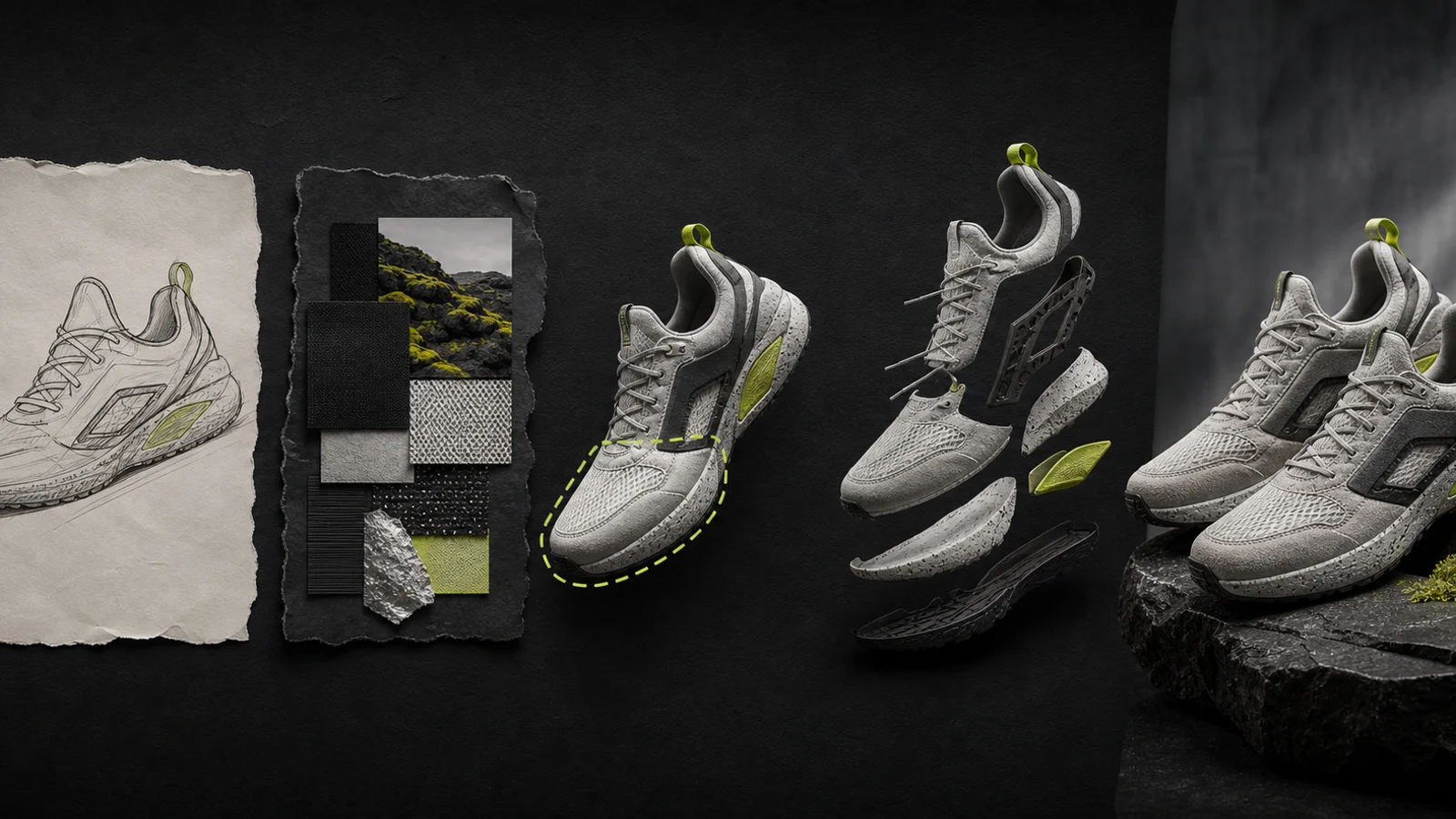
A practical Seedream 5.0 Pro workflow
Move from a visual brief to reviewed keyframes and layered references ready for video planning.
Define the deliverable
Define the sequence, shot purpose, aspect ratios, required languages, and continuity details before creating keyframes.
Prepare prompts and references
Collect approved character, product, location, lighting, and composition references for the planned sequence.
Mark the intended change
Mark the exact continuity detail to revise and state which framing, subject, and environment elements must remain fixed.
Review and export
Review keyframes as a sequence, check local text, and export the approved frames or layers for video planning. Download the approved frame and upload it as a visual reference in Seedance 2.5. Review the video settings and credit estimate before continuing.
Explore the model in a localized experience
For an independent explanation of the model and its image-editing workflow, consult this localized Seedream 5.0 Pro resource.
Explore Seedream 5.0 Pro on seedream-5.ioSeedream 5.0 Pro questions
Direct answers about capabilities, editing, languages, and workflow fit.
Seedream 5.0 Pro is an AI image model for controlled generation and precise editing. Video teams can use it to refine storyboards, keyframes, character references, product frames, and layered planning assets before motion work.
Pro is better suited to continuity corrections, layered handoff, and information-rich planning frames. Lite is positioned for faster concepts and simpler image tasks.
Yes. Product materials describe native text support across 14 languages, which can help prepare localized title cards, campaign frames, and visual references before regional production.
It means changing a selected continuity detail while preserving the approved framing, subject placement, and environment around it. Clear masks and reference instructions remain important.
Yes. A Pro workflow can separate a frame into 2 to 20 PNG elements so subjects, products, foregrounds, and backgrounds can be planned or handed off independently.
It fits storyboards, keyframes, brand-film planning, product-video references, visual explainers, and multilingual campaigns that need controlled continuity before motion.
Continue exploring AI creation workflows
Continue with localized Seedance creation and video planning workflows on this site.
AI Generator
Open the general generator to test image references or early motion concepts before shot planning.
Seedance 2.0
Turn approved storyboards and reference frames into multi-shot Seedance 2.0 sequences.
Seedance 2.1
Explore a newer Seedance workflow for controlled motion, narrative continuity, and polished delivery.